
Last Updated: 5 November 2026
Quick Summary
Smart home systems for boutique hotels connect the devices in each guest room, such as lighting, heating, blinds, access and entertainment, so they can be controlled from one interface and automated around how guests use the room. A well-designed system should stay largely invisible to guests.
- Start with three or four core scenes such as Arrival, Relax, Sleep and Departure.
- Confirm that physical switches still work when the network or central controller is offline.
- Use a contact sensor on windows and balcony doors so an open window does not run the heating.
- Choose access locks by power-failure handling, credential speed and whether they keep an audit trail.
- Test the property management system integration in a real room, including a run with the network interrupted.
Table of Contents
- What a Smart Home System Means for a Boutique Hotel
- Core Guest-Room Automation and Controls
- Smart Access Control for Hotels: Choosing the Right Lock and Credential Setup
- Connecting Room Systems to Your Property Management System
- Total Cost of Ownership, Retrofitting and Measuring Return
- Cybersecurity, Support and Planning Your Smart Hotel Project with AME Electrical
- Frequently Asked Questions
What a Smart Home System Means for a Boutique Hotel
Smart home systems for boutique hotels connect the devices in each guest room, such as lighting, heating, blinds, access and entertainment, so they can be controlled from one interface and automated around how guests actually use the room.
Smart hotel technology is not a single product. Smart hotel technology is not a single product, and value comes from how the pieces work together rather than from any one device.
For a boutique property this matters more than for a large chain.
Technology can help guests feel at ease, but only when it is intuitive and reliable.
Core Guest-Room Automation and Controls
A guest-room control system is the central layer that links lighting, climate, blinds, entertainment and access into scenes that a guest can trigger with one tap or, in some cases, with no action at all.
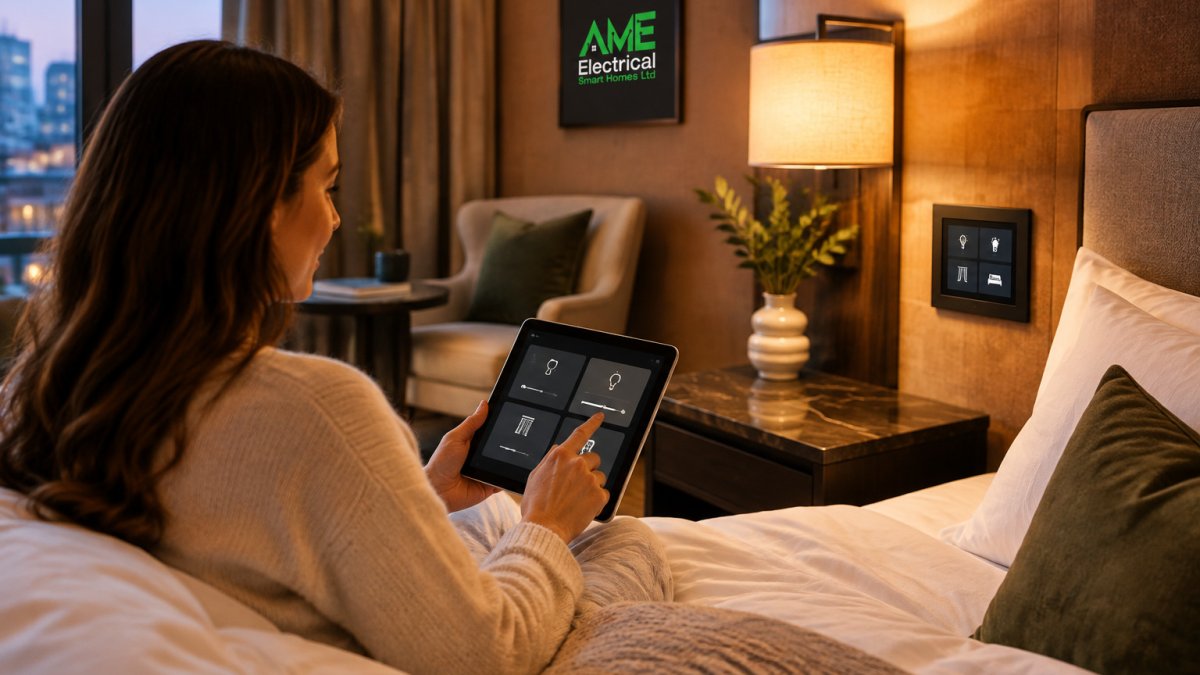
In practice, start with three or four core scenes rather than a long list. A typical set might be “Arrival”, “Relax”, “Sleep” and “Departure”, each adjusting several devices at once. Scenes are easier for guests to understand than individual controls and reduce what housekeeping or managers must reset between stays.
Reliability deserves as much attention as features. A common mistake is choosing a system with an impressive app but weak fallback behaviour, so that a network drop leaves the lights stuck.
Lighting Control and Scenes
Lighting is usually the most visible part of a smart room and the easiest place to demonstrate value.
Design lighting scenes around the room’s real uses, not every possible combination. Keep bedside controls simple and let the main overhead lighting follow the scene.
Lighting control also matters for energy use. Automatic switch-off when a room is vacant is one of the simplest savings a property can make, and it works best when the occupancy logic is tested in the actual room rather than assumed.
Heating, Ventilation and Air Conditioning Control
Climate control is where comfort and running costs meet.
Setbacks should be gentle. A room that drops sharply when a guest steps out can feel cold on return, so we generally set a modest reduction and a short recovery period.
The table below summarises the main guest-room control considerations covered in this section, so you can compare them at a glance.
| Area | Key consideration | Practical tip |
|---|---|---|
| Scenes | Start with three or four | Arrival, Relax, Sleep, Departure |
| Reliability | Behaviour when offline | Physical switches must still work |
| Lighting | Occupancy switch-off | Test the logic in the actual room |
| Climate | Gentle setback | Modest reduction and short recovery |
| Windows | Open window runs heating | Contact sensor linked to climate control |
Smart Access Control for Hotels: Choosing the Right Lock and Credential Setup
Access control sits at the boundary between guest convenience and security, and it has to work every time a guest arrives.
When choosing a lock, check three things: how it handles power failure, how quickly credentials can be issued and cancelled, and whether it produces an audit trail. Mobile credentials reduce physical handover but depend on compatible phones and a working connection, so many boutique hotels keep a front-desk backup.
Plan the credential setup alongside the room controls rather than as a separate project. Lock events can then trigger the correct lighting and climate scene on arrival, and checkout can reset the room automatically.
Connecting Room Systems to Your Property Management System
A room system that cannot talk to your property management system (PMS) creates extra work. Housekeeping status, check-in and checkout times, and guest preferences should flow between the two so that the room is ready when it needs to be. The practical question is not whether integration exists, but which data moves, in which direction, how often, and what happens when the link drops.
The data flows that matter
Most boutique properties need four flows to work reliably:
- Room status. Housekeeping marks a room clean and vacant in the PMS; the room controller returns lighting, climate and blinds to a standby state and arms the access lock for the next arrival.
- Arrival and departure. Check-in triggers the arrival scene and issues or activates the guest credential; checkout resets the room and revokes access.
- Guest preferences. A returning guest’s temperature, lighting scene or accessibility setting is passed to the room before arrival, where the PMS holds that data.
- Alarms and faults. A lock tamper, offline controller or failed sensor is raised to the front desk or facilities inbox rather than sitting unnoticed in a vendor portal.
A fifth flow, energy and occupancy data, is useful for reporting but should not be allowed to hold up the operational flows above.
Interface types and what to ask for
Integration usually happens one of three ways: a direct API between the PMS and room platform, a middleware layer that translates between them, or a building-management system (BMS) above both. Direct APIs are cleaner but depend on both vendors maintaining them; middleware adds a subscription and another party to call when something breaks; a BMS gives estate-wide visibility but is usually overkill for a single small property.
Before committing, ask for a clear list of which data is shared, in which direction, and how often. Confirm the interface is documented, whether it is a supported product or bespoke build, and who owns it if either vendor changes platform.
Watch out: a vendor demonstration that shows a check-in triggering a lighting scene can hide the fact that the integration is a one-off script rather than a supported interface, so insist on seeing the same behaviour in a test room on your own network.
Testing and measuring the integration
Confirm that the integration works in a test room, not just on the vendor’s demonstration setup. Run a full cycle: book, check in, use the room, check out, clean, and re-let. Then repeat with the network deliberately interrupted to see how the room behaves.
Good integration makes the system easier to run: a vacant, clean room returns to energy-saving settings automatically, and a checked-in guest’s room can be prepared before arrival.
Total Cost of Ownership, Retrofitting and Measuring Return
Costs for a smart home system depend on the number of rooms, the scope of the project, and the level of integration required. Please contact AME Electrical for a quote tailored to your property.
A buying framework for boutique owners
Rather than comparing feature lists, compare systems against the criteria that decide whether the room works on a busy Saturday:
- Topology. Wired bus systems such as KNX are robust and long-lived but disruptive to install; wireless mesh systems are quicker to fit but depend on signal strength, battery life and channel planning.
- Local versus cloud control. A room that can run its core scenes locally keeps working when the internet drops; a cloud-only room does not.
- Openness. Ask whether the platform exposes a documented API and supports standard protocols, or whether every change must go through the vendor.
- Fallback behaviour. Physical switches, manual lock overrides and a defined safe state when the controller is offline.
- Support model. Who answers at 11pm, what the response time is, and whether remote diagnostics are available.
- Accessibility. Voice, mobile and physical controls that work for guests with different mobility, sensory and language needs.
Total cost of ownership
Look beyond the purchase price to total cost of ownership: installation, licensing or subscription fees, software updates, replacement of short-lived devices, and staff time to manage the system. A cheaper system needing frequent manual intervention can cost more over five years than a better-integrated one. Build a simple five-year model covering hardware, installation, annual subscription, a replacement allowance and estimated staff hours per week on resets and fault calls.
Retrofitting historic and individually designed properties
Retrofitting needs particular care, so check what consents may be needed before specifying. Wireless devices reduce disruption but need checking for signal strength and battery life, and dense masonry can absorb signal in ways a site survey will reveal. Plan a phased approach if budget or building constraints require it, starting with the rooms that generate the most guest value, and keep a wired backbone where reliability matters most, such as access control and the network itself.
Cybersecurity, privacy and resilience
Connected rooms create new security considerations. Devices on a hotel network can be a route into other systems if not properly configured, so segment the network so guest devices, room controllers and back-office systems sit on separate segments, change default passwords, and keep firmware up to date. Guest data held by access and booking systems should be handled properly, and your supplier should explain how they handle it, including retention and who can access it.
Measuring return
Measure return against outcomes you can track: energy consumption per room, guest feedback on comfort, staff time on room resets and the number of issues reported at check-in. Set a baseline before installation and review it after the first full season rather than in the first week.
Cybersecurity, Support and Planning Your Smart Hotel Project with AME Electrical
Support matters as much as the installation. Ask who responds when a room controller fails at 11pm before a busy weekend, what the response time is, and whether remote diagnostics are available. A system without a clear support arrangement is a liability for a small property with few staff.
At AME Electrical, we work with certified KNX and Nice installers and support both private and commercial projects, including small boutique properties. If you are planning a smart room upgrade, get in touch with our team to discuss your building and the level of control you need, or explore our smart lighting options to see how lighting scenes can be set up for your rooms.
Frequently Asked Questions
What is a smart home system in a boutique hotel?
A smart home system in a boutique hotel is a set of connected controls that manage lighting, heating and cooling, blinds, entertainment and access from one interface or from a guest’s own device. The devices share data and run automated scenes, such as dimming the lights and adjusting the temperature when a guest checks in. Smart hotels use connected systems, shared data and automation to improve both property operations and the guest experience. For a small property, the aim is usually a manageable set of controls that feels effortless rather than a large, complicated network.
How do I know a smart room system won’t become expensive e-waste after a few years?
The main protection is choosing an open, well-documented platform and an installer who supports it after handover. KNX is a widely used standard for building control, so properly specified KNX installations are not tied to a single manufacturer. Ask any provider which parts can be replaced or upgraded independently, how firmware updates are handled, and what the support arrangement covers. Pricing depends on the scope of the work, quantity of devices and delivery arrangements, so request a written quote for your specific property.
Can a boutique hotel combine existing devices from different brands?
Sometimes, but not always. Consumer devices such as individual smart bulbs or basic automation hubs often work in isolation and may not share control with the wider room system. Integration usually depends on the protocols each device uses and whether a gateway or controller can bring them together. In many cases a survey of what is already installed shows which items can be kept and which should be replaced. Contact AME Electrical through the website to arrange a review of your existing equipment.
Is a smart access control system suitable for a small hotel?
Yes. Smart access control for hotels can use keycards, mobile credentials or keypad entry, and the right choice depends on how many rooms you have, how often guests arrive and leave, and how your staff manage access. Smaller properties often benefit from the ability to issue and revoke access remotely and to keep an audit log. Any access system should be reviewed alongside fire escape requirements and building regulations in Northern Ireland before installation.
