
Last Updated: November 21, 2026
Quick Summary
Alternatives to DIY smart home installation include software-led platforms such as Home Assistant and openHAB, hybrid integration where a professional commissions the backbone, room-by-room commissioning, retrofit packages and fully managed integration. Each route trades effort, control and aftercare differently, so match it to your devices, budget and appetite for tinkering.
- Households choosing self-install have declined nearly 30% since 2019, with 29% eventually turning to professionals.
- Smart plugs, bulbs, battery sensors and standalone cameras are generally safe to self-install.
- New circuits, consumer unit work and hard-wired switches usually need a qualified electrician.
- Boiler-linked heating controls must be fitted by Gas Safe registered engineers.
- A hybrid route keeps working devices and adds a professional controller to unify them.
Table of Contents
- Why Homeowners Move Beyond DIY Smart Home Installation
- DIY vs Professional Smart Home Installation: Where the Middle Ground Sits
- The Smart Home Installation Process, From Survey to Handover
- Smart Home System Compatibility: Why Matter, Zigbee and KNX Decide Your Options
- Hybrid Routes: Keeping Your Existing Devices While Adding Professional Control
- What Smart Home Integration Services Actually Cover
- Comparing the Alternatives: Costs, Control and Aftercare
- Get a Quote for a Fully Integrated Smart Home
- Frequently Asked Questions
Why Homeowners Move Beyond DIY Smart Home Installation
Self-installation looks simple until the third app, the second hub and the device that refuses to talk to anything else. Research from Parks Associates’ Quantified Consumer study found that households choosing self-install have declined nearly 30% since 2019, and that 29% of consumers eventually turn to professionals after attempting it themselves. At AME Electrical, we see the same pattern in projects across the UK and Ireland: the box arrives, the novelty fades, and the system sits half-finished.
The reasons are consistent. Devices from different brands rarely share a language, automations break after a firmware update, and no one is on hand when something fails. This guide sets out the main alternatives to DIY smart home installation, from software platforms you run yourself to fully managed integration, so you can match the route to your home, your budget and your appetite for tinkering.
DIY vs Professional Smart Home Installation: Where the Middle Ground Sits
The real choice is not DIY or nothing. It is a spectrum, and most homeowners sit somewhere in the middle. DIY suits confident users who want flexibility and lower upfront spend, as a comparison by Tod Caflisch on DIY versus professional installation notes, while professional installation buys convenience and accountability.
Between those poles sit several workable options:
- Software-led platforms such as Home Assistant, openHAB, Domoticz and Node-RED, where you own the logic but supply the effort
- Hybrid integration, where a professional commissions the backbone and you add devices later
- Room-by-room commissioning, starting with lighting or heating rather than the whole house
- Retrofit packages that work with existing wiring and devices
If you are weighing up what hiring help actually involves, our guide to hiring professional smart home integrators walks through the process before you commit.
The Smart Home Installation Process, From Survey to Handover
A professional installation follows a defined sequence, and knowing it helps you judge any quote and decide where you can safely do the work yourself. It typically begins with a survey of the property, wiring and Wi-Fi coverage, followed by a design that maps devices, circuits and control points. Cabling and containment come next, then commissioning, configuration of scenes and routines, and a handover session.
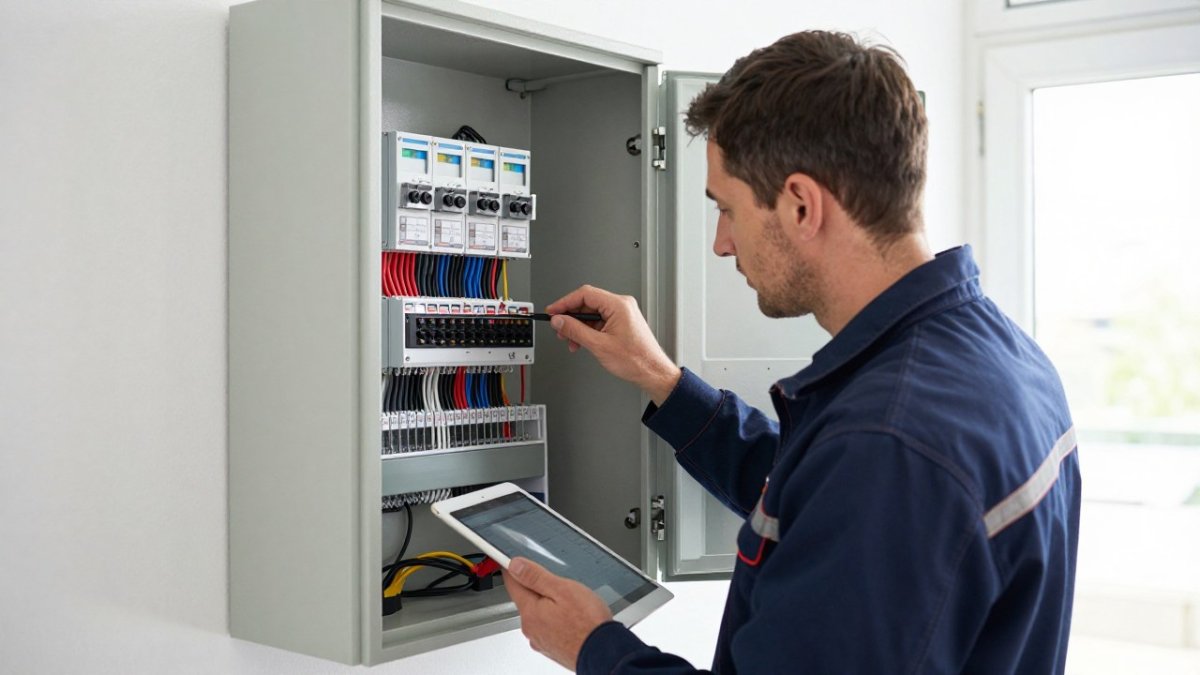
The sequence matters because it maps onto legal boundaries. Fixed electrical work, such as new circuits, consumer unit changes and work in special locations, is generally subject to UK building regulations and should be carried out by a competent person. Gas work, including some smart heating controls connected to a boiler, is restricted to Gas Safe registered engineers. Rules differ between nations of the UK, so check the current official requirements for your property before starting.
A practical split looks like this:
- Safe to self-install: smart plugs, bulbs, battery sensors, standalone cameras and app-based routines
- Usually needs a qualified electrician: new circuits, consumer unit work, hard-wired switches and anything in a bathroom or kitchen within the zones
- Needs a specialist: boiler-linked heating controls (Gas Safe), structured cabling and network design, and KNX or other wired bus commissioning
A large part of the value sits in the last two stages. A system configured properly at commissioning is far more likely to behave predictably over time. Ask any provider what aftercare looks like before you sign, and confirm who is responsible for warranty claims, the installer for labour, the manufacturer for the device, and how faults are escalated out of hours. For a deeper comparison of wired and wireless approaches, see our breakdown of KNX versus wireless smart home systems.
Watch out: if a quote bundles electrical work without naming who holds the relevant competence or registration, ask for it in writing before work starts.
Smart Home System Compatibility: Why Matter, Zigbee and KNX Decide Your Options
Compatibility is the single biggest constraint on which alternative you can choose. Matter is an interoperability standard that lets devices from different manufacturers work together over Wi-Fi, Ethernet or Thread. Zigbee and Z-Wave are low-power mesh protocols for sensors, switches and locks. KNX is a wired building-automation standard, common in high-end residential projects, that controls lighting, heating, shading and access from one bus.
Your existing devices narrow the field. A house full of Zigbee sensors will not migrate to a wired KNX backbone without adapters or replacement. For a deeper comparison of wired and wireless approaches, see our breakdown of KNX versus wireless smart home systems.
Hybrid Routes: Keeping Your Existing Devices While Adding Professional Control
Many homeowners ask whether existing kit has to be ripped out. Often it does not have to be. A hybrid route keeps working devices, such as smart bulbs, plugs and sensors, and adds a professional controller that unifies them under one interface.
This approach suits homeowners who have already invested in consumer devices and want reliability without starting again. The trade-off is that some consumer hardware will always be less robust than a wired equivalent, so plan for gradual replacement in critical rooms. Our how-to on integrating existing smart home devices covers the practical steps and common troubleshooting points.
What Smart Home Integration Services Actually Cover
Integration services go beyond fitting switches. They cover consultation and design, electrical infrastructure, network and Wi-Fi planning, device commissioning, automation programming, and ongoing support. For commercial clients, the scope often extends to access control, climate control across zones, and lighting scenes for hospitality spaces.
| Route | Effort Required | Control | Aftercare |
|---|---|---|---|
| Software platform (Home Assistant, openHAB) | High | Full | Self-managed |
| Hybrid integration | Medium | Shared | Provider-led |
| Room-by-room commissioning | Low | Shared | Provider-led |
| Full managed integration | Minimal | Full | Provider-led |
| Retrofit package | Low | Limited | Varies |
To see how providers structure these services, our smart home integration services guide sets out what to compare.
Comparing the Alternatives: Costs, Control and Aftercare
Pricing depends on property size, device count and the depth of programming, so no honest provider can quote without a survey. For current prices, please contact AME Electrical directly for a quote. What you can compare is the shape of the cost and who carries it after handover.
| Route | Typical UK cost band (inc. VAT) | Ongoing cost | Control | Aftercare |
|---|---|---|---|---|
| Software platform (Home Assistant, openHAB) | £0-£150 for software; £150-£600 for a mini PC or hub | Hosting and subscription charges plus your own time | Full | Self-managed |
| Paid consultation only | £150-£500 per visit | None unless you rebook | You | Ad hoc |
| Remote setup support | £75-£250 per session | Per-session fees | Shared | Provider-led, remote |
| Hybrid integration | £1,500-£6,000 | Maintenance arrangement | Shared | Provider-led |
| Room-by-room commissioning | £600-£2,500 per room | Maintenance arrangement | Shared | Provider-led |
| Full managed integration | £8,000-£30,000+ | Annual support contract | Full | Provider-led |
| Retrofit package | £400-£2,000 | Varies | Limited | Varies |
Several cost mechanics matter more than any headline figure. Design and commissioning are labour-heavy, so wired systems generally cost more to install than wireless ones. Consumer devices may attract subscription fees for cloud features, which can add up over time. Professional routes front-load cost into design and commissioning, so ask whether firmware updates, reconfiguration and call-outs are included or billed separately.
Weigh aftercare heavily. A system is only as good as the response when a zone fails at 9pm. Ask for the support terms in writing, confirm the warranty period on labour as distinct from manufacturer warranties on devices, and check who owns the configuration file if you later change provider. A common pattern is for homeowners to discover at the point of sale that their automations are locked to the installer’s platform.
Watch out: a quote that excludes commissioning or the first year of support is not comparable with one that includes them, ask for a like-for-like breakdown before you decide.
Get a Quote for a Fully Integrated Smart Home
The hardest part is choosing a route that still works in five years, when devices have changed and the original installer has moved on. That is where certified design and ongoing support earn their place.
At AME Electrical, our certified KNX and Nice installers offer consultation, design, installation and support as one service, for private homes and commercial premises. We aim to integrate existing devices where sensible and configure lighting and climate control around how you live.
Get started with AME Electrical and a smart home that stays reliable long after the novelty wears off. Get in touch to discuss your requirements and request a quote.
Frequently Asked Questions
What are the alternatives to installing a smart home system yourself?
There are four main routes. A local electrician can wire smart switches and sockets but rarely handles full system programming. A specialist smart home installation company designs, installs and commissions the whole system, including lighting, climate and security. A hybrid approach keeps your existing devices and adds a professional controller and programming layer. Software platforms such as Home Assistant or openHAB let a confident user run automations themselves without a full installation contract. Each route trades upfront cost against control, aftercare and how much of the work falls on you.
How does DIY vs professional smart home installation compare on reliability?
The difference usually shows up after the first year. Many homeowners who attempt self-installation eventually turn to professionals for help. A professional installation typically includes a documented design, tested cabling and a commissioning phase, which reduces the intermittent faults that appear when devices from different brands are paired ad hoc.
Can a professional integrate devices from different smart home brands?
Yes, and smart home system compatibility is the main reason people bring in an integrator. A certified KNX or Nice installer can bring Philips Hue, Zigbee sensors, Z-Wave locks and Wi-Fi devices under one controller, using Matter or a hub to bridge protocols. The practical limit is whether each device exposes a documented integration. Ask the installer to confirm which of your existing products will be supported before work starts, so nothing has to be ripped out and replaced.
Is a smart home integration service worth it compared with a local electrician?
It depends on scope. A local electrician is usually the cheaper option for a handful of smart switches or a single thermostat, and is the right call for straightforward wiring. Once you want lighting scenes across multiple rooms, climate control tied to shading, or a security system with access control, the design and programming work grows beyond a standard electrical job. An integration service covers consultation, design, installation, commissioning and ongoing support, which is where the extra spend goes.
What happens after a professional smart home installation is finished?
Ask this before you sign. A good handover includes labelled cabling, a system diagram, user training and a written record of how automations are configured. Ongoing support varies by provider: some offer remote troubleshooting and annual servicing, others charge separately for call-outs. Confirm whether firmware updates, platform changes and device replacements are covered, because a system that stops working after two years is usually one that was never maintained or documented properly.
